

Local media management for solo editors and video teams.
One shared media library. On your own hardware.
Free beta 0.10.5 is available. Windows services; Windows and macOS Resolve plugins.
Nexus is software that brings footage from your computers, drives and NAS into one searchable library. Find, preview and import clips into DaVinci Resolve. Work on your own or with a team.
- Local · No cloud upload required
- Smart media search · Optional AI processing on Windows/NVIDIA
- Edit imported proxies · Source drive can disconnect
- Free Beta · Unlimited Workers during beta
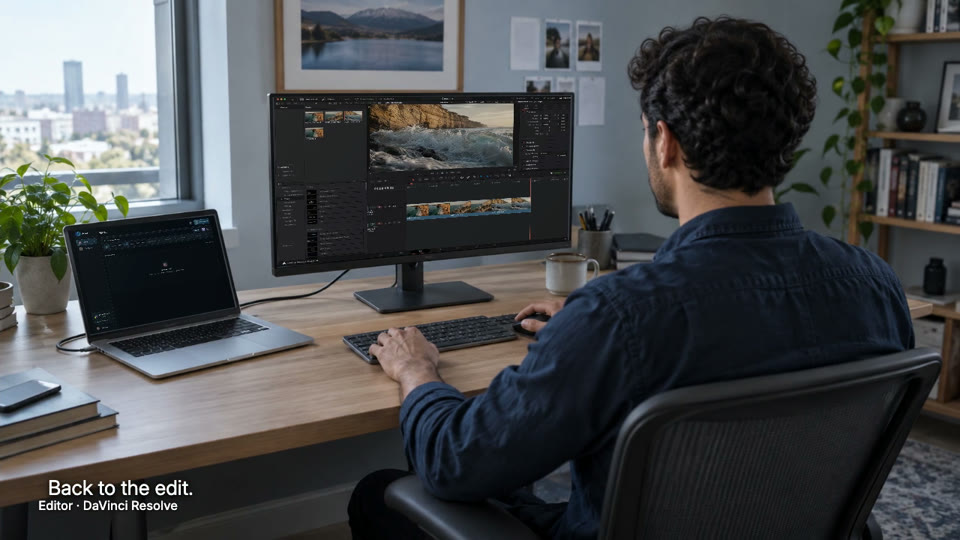
Start with one folder on Windows.
On a Mac? Connect to a Windows Coordinator for this
beta.
Find, edit, render and review.
-
Find footage with smart media search.
Search by filename and tags, or find footage by its content.
-
Edit in Resolve
Edit with lightweight proxy files in Resolve.
-
Optional
When needed, offload rendering to your Coordinator
Keep editing on a different computer.
-
Review and exchange feedback
The submitting Editor and Admins comment; Admins approve or reject.


 Edit in Resolve


Find and edit
Sign in to Nexus in Resolve and import a prepared proxy. Once imported, keep editing if the source drive disconnects. Still images import the original file.
Offload a render
Submit a project snapshot to your Coordinator and keep editing on another computer. Rendering uses the Nexus Coordinator app, supported Resolve Studio and reachable originals. The queued render keeps the version you submitted.
Review and feedback
The Editor who submitted the project and Admins exchange comments in Nexus. Admins approve or reject in the web panel.
Start on one computer. Connect more when you need to.
Start with one folder. Working solo? You can be both Editor and Admin.
On a Mac? Keep editing there; connect to a Windows Coordinator.
One Windows computer is enough
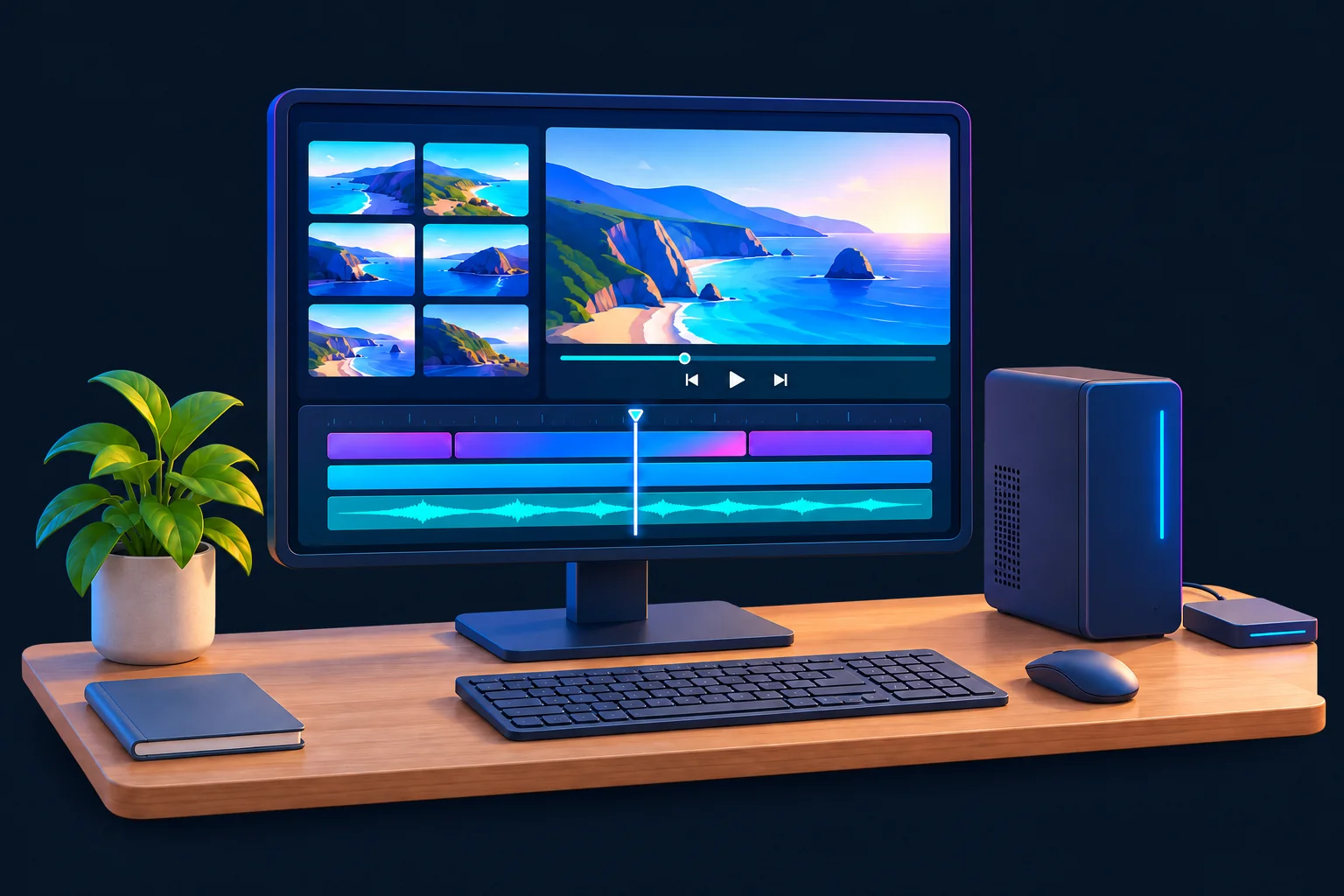
- Nexus Coordinator
- Hosts the library and prepared proxies
- Resolve + Nexus plugin
- Find, import, edit on the same computer
Connect more computers
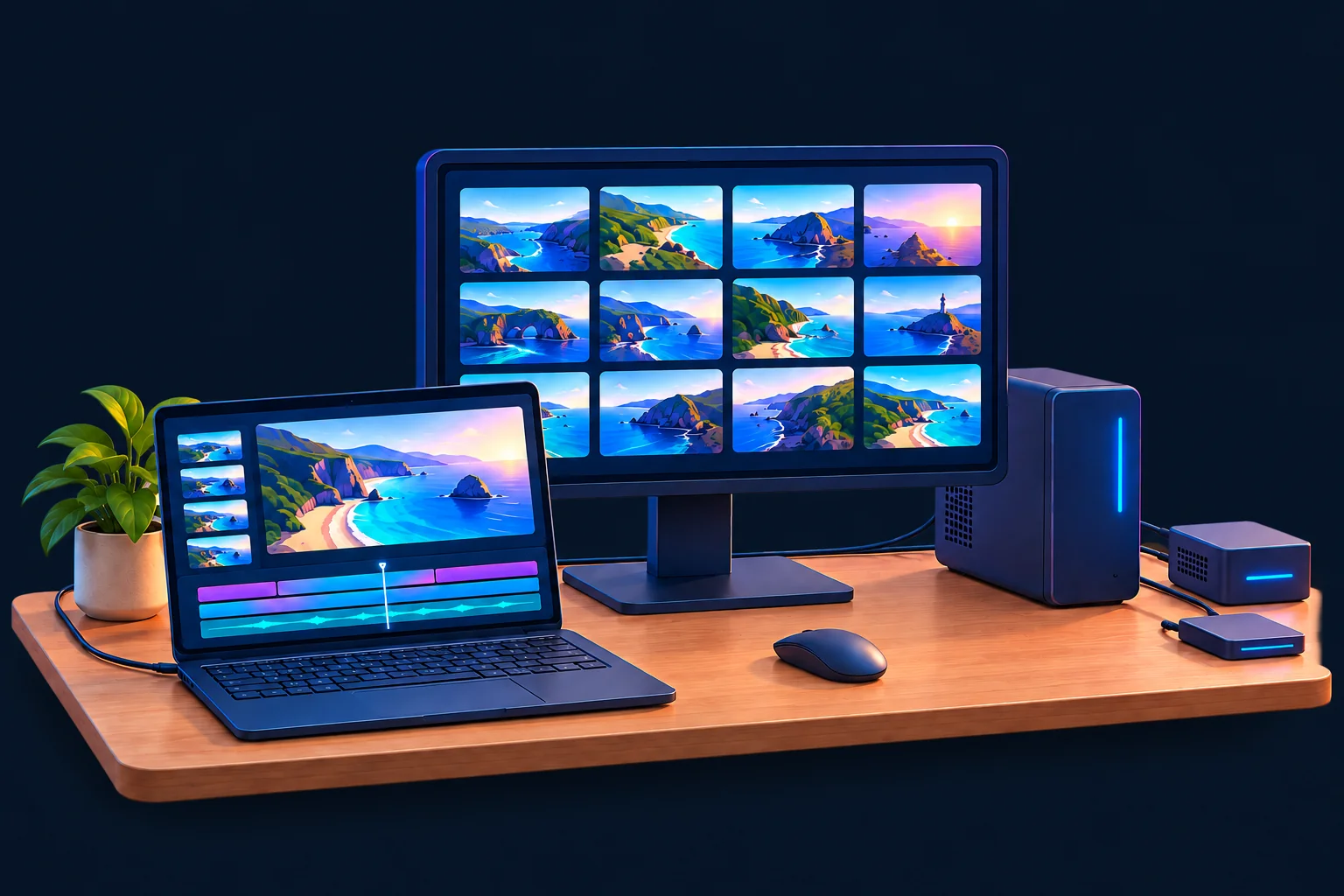
- Editor · Windows or Mac
- Resolve + Nexus plugin
- Coordinator · Windows
- Your shared library
- Worker · Windows · optional
- Adds folders, builds proxies & runs optional AI
Editors do not need a Worker just to edit. Unlimited Workers during beta.
Admins manage folder access and approval decisions in the web panel.
For render offload, run the Coordinator on another computer with supported Resolve Studio and reachable originals.
Works without internet on your local network after setup.
Setup downloads may need internet. Remote use needs a configured private or routed connection.
Start with the Free Beta.
Unlimited Workers and team members during beta. Paid allowances and pricing to be announced.
The Free Beta remains usable until one week after the paid release. The paid release date has not been announced. There is no automatic charge. Beta terms · Beta & paid release.
Pricing will be announced when ready. Purchasing is not open. Read the beta terms.
See pricing and license details →
Get ready for the Free Beta.
Plan your free-beta setup.
Windows services · Windows/macOS plugins.
A few things to know before you start.
Which editing applications does Nexus work with?
Nexus starts with DaVinci Resolve. We plan to support more editing applications, with compatibility announced after each integration is verified.
Does every editor need a Worker?
No. Editors work in Resolve with the Nexus plugin. Admins manage access and approvals in the web panel. Desktop apps handle setup, storage and background processing.
Do I need AI to use Nexus?
No. AI processing is optional and Windows-only with a supported NVIDIA GPU through beta and version 1.0. Browsing, editing and reviews need no AI-processing GPU. Check AI requirements.
Can my team connect from outside the studio?
Nexus works beyond the studio through a reachable Coordinator and configured private or routed connection. Remote setup is not automatic; performance depends on your network.
What does unlimited Workers and team members mean?
During beta, team members and Worker computers add no per-seat or per-Worker fees. Paid allowances are not final. Workers connect additional media and process proxies or supported AI. Capacity depends on your hardware and network.