

Solutions
From scattered footage to your next edit.
Editing alone or working across a studio? These examples show how Nexus fits a DaVinci Resolve workflow.
Working on your own
Find a shot from an earlier project.
Need footage you used months ago? Search by content, filename or tags across your selected folders, preview the match and bring its prepared proxy into Resolve.
See library search →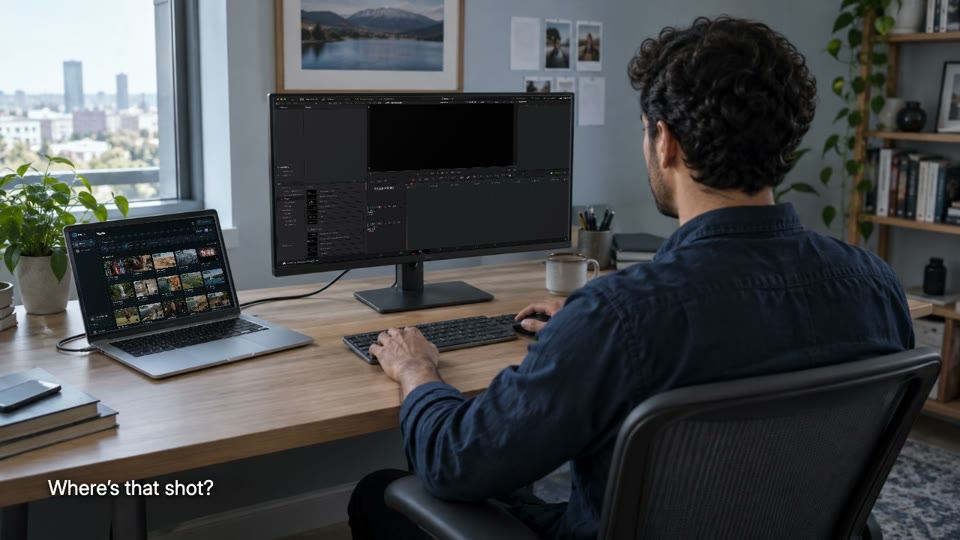
Shared studio storage
Choose each Editor’s folder access.
Footage is spread across computers and drives. Connect selected folders to one library so each editor can find and import the media they have access to.
See folder access →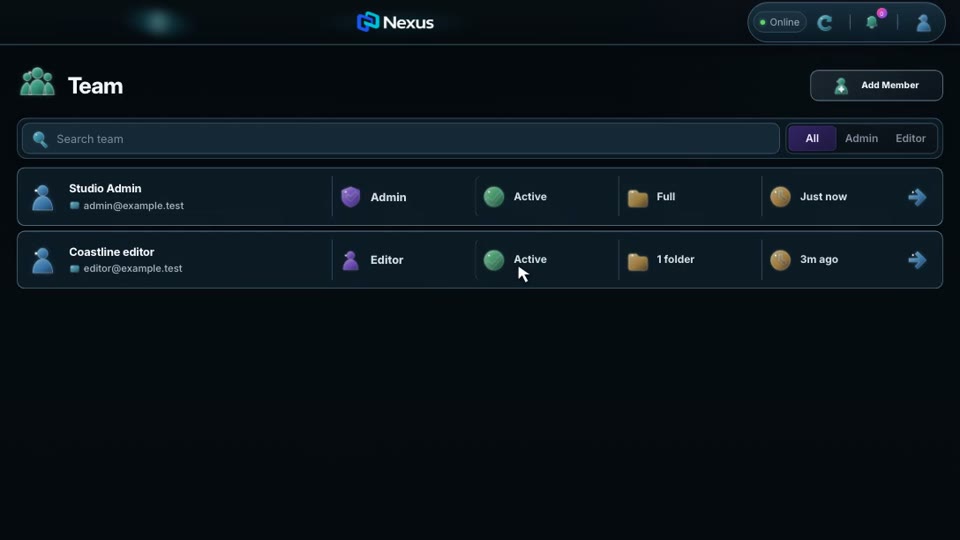
Rendering and review
Keep editing while a render runs.
More edits to make while exporting? Submit a snapshot to your Coordinator computer with the Nexus Coordinator app, supported Resolve Studio and reachable originals. Keep editing, then follow the output and Admin feedback in Nexus.
See editing and rendering →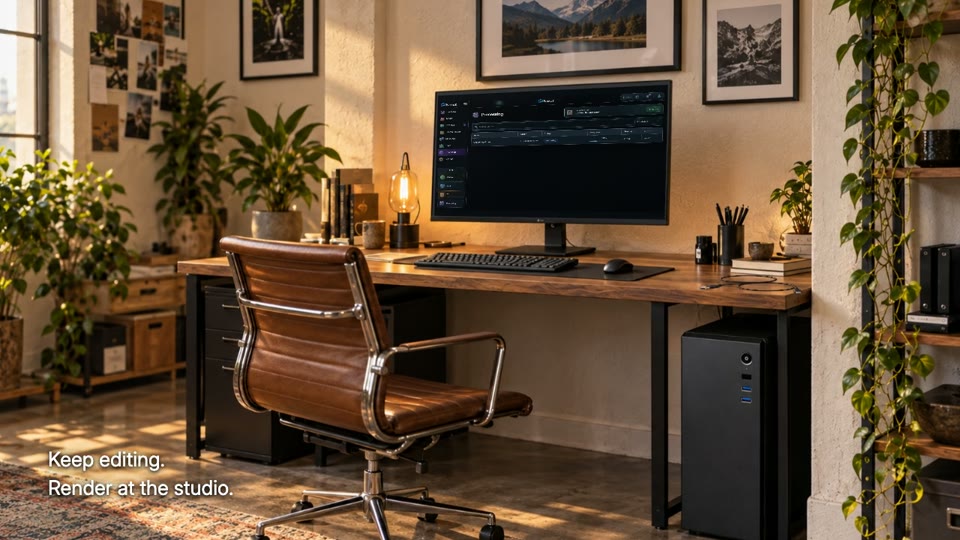
Not sure how Nexus fits your setup?
Tell us your editor, where your footage lives and what gets in the way.